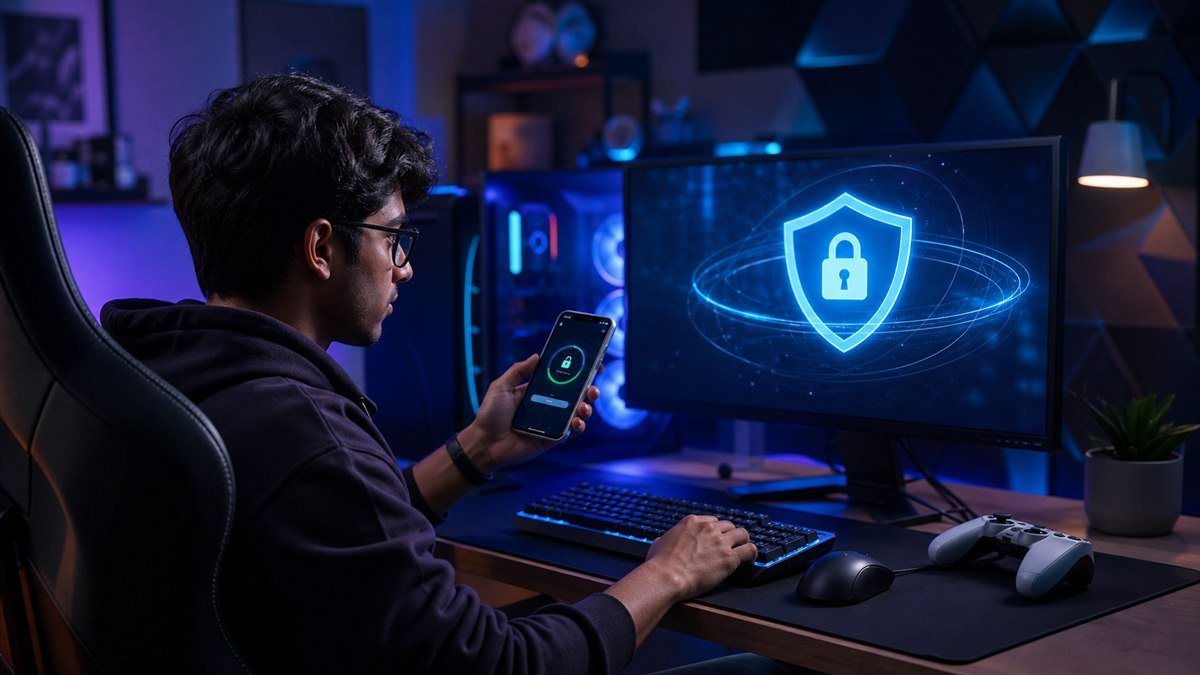
A gaming account can hold years of purchases, rare items, friendships and linked payment details. That makes it valuable to both the player and the attacker.
Account theft often begins outside the game: a reused email password, a fake tournament page, a “free currency” link or a convincing message from a compromised friend. Fast-moving chat and limited-time offers make players more likely to act before checking.
A gaming account security India plan protects the email, platform login, payments and recovery path as one system. It also treats privacy and harassment controls as security features, not optional extras.
Why gaming account security India needs a practical framework
Secure the email before the game account
The linked email often controls password resets and purchase receipts. Give it a unique password and multi-factor authentication, then do the same for the game platform. Never reuse the password from a fan forum or unofficial statistics site.
Save recovery codes offline and keep the recovery email current. If an account offers passkeys or an authenticator app, understand the recovery process before removing an old phone.
Recognise item, currency and tournament scams
Treat free currency, discounted items and urgent tournament invitations as untrusted until opened through the official game or organiser channel. A link that copies the platform’s login page can capture credentials and authentication codes.
Do not install “optimisers,” cheats or cracked launchers from unknown sources. They can include credential stealers, and using them may also violate the game’s rules and remove access to support.
Protect payments and younger players
Use purchase authentication, spending limits and receipts. Avoid leaving an unrestricted payment method on a shared device. Parents should discuss loot-box-like mechanics and recurring subscriptions before a dispute occurs.
Children should know that moderators do not need passwords or one-time codes. Create a no-punishment route for reporting an accidental purchase, threat or suspicious message quickly.
Reduce personal exposure in chat and streams
Use a screen name that does not reveal a full name, school, phone number or precise location. Review who can send messages, join parties and see activity. Voice chat can reveal age, background conversations and routine.
Streamers should check overlays, notifications, desktop files and camera background before going live. Delay or hide location in competitive and real-world games where live information creates risk.
Prepare for account recovery
Keep purchase receipts, approximate creation date, previous usernames and linked account details in a secure record. Support teams may use them to verify ownership. Never pay an unofficial recovery contact.
If the account is compromised, secure the email first, end other sessions, change credentials from a clean device and contact official support. Warn friends through another channel if the attacker is sending links from the account.
Quick action checklist
- Protect the linked email with a unique password and MFA.
- Open tournaments and offers through official channels.
- Require approval for purchases on shared devices.
- Limit personal details in profiles, chat and streams.
- Store recovery evidence and official support links.
A five-step implementation plan
- Step 1: Secure the linked email and game account with different passwords and MFA.
- Step 2: Review connected apps, active sessions, privacy and purchase controls.
- Step 3: Remove unofficial launchers, extensions and abandoned community accounts.
- Step 4: Save receipts and recovery information in a protected folder.
- Step 5: Teach friends or family the one rule: never enter credentials from a chat link.
Build the wider digital-life skill set
This guide is part of an India-focused technology cluster. Continue with healthy gaming habits, gaming laptop buying guide, gaming careers in India, then connect the subject to family cybersecurity guide and digital-payment scam response plan. Visit the Techsslaash gaming security guides for the latest reporting across technology, health, finance, education, entertainment, gaming, lifestyle and travel.
Frequently asked questions
Is SMS authentication enough for a gaming account?
It is better than a password alone. An authenticator app or passkey may offer stronger protection where supported, provided recovery is configured safely.
What should I do if a friend sends a suspicious game link?
Contact the friend through another channel and open the event through the official platform. Their account may be compromised.
Can official support ask for my password?
A legitimate support process should not require your password or one-time authentication code. Use only the support route linked from the official service.
Final takeaway
Gaming security is easiest before a valuable account is lost. Protect the email, slow down around offers, control purchases and keep recovery evidence. A few minutes of setup can preserve years of play.
Found this useful? Explore more practical reporting from the Gaming desk.
Browse Gaming